None End Event
Ends one path of the process with no further consequence. Single thick-bordered circle, no icon.
The None End Event consumes the token that reaches it — nothing else. Other parallel tokens (if any) continue; the instance finishes when the last token dies. It is the default, most common process ending.
When to use and avoid
When to use
To finish any path whose completion needs no signaling.
Multiple times in one diagram — distinct outcomes deserve distinct, well-named ends.
In descriptive and executable models alike — it is always safe.
When NOT to use
When finishing must notify someone — Message End.
When finishing must abort everything else still running — Terminate End.
When the path ends in failure that a parent must handle — Error End.
Business example
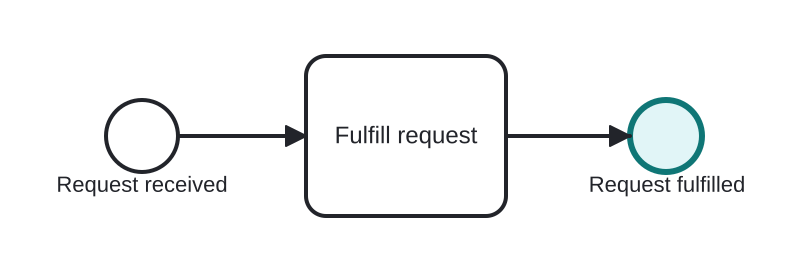
Simple completion of a request
Open this example in the HEFLO process editor and explore the diagram from the inside.
Open in the HEFLO editor →Step by step
- Fulfill request completes the work.
- The None End Event (highlighted, thick border) consumes the token; if other branches were running, they carry on.
- The instance closes when all tokens have ended.
Differences
None End vs Terminate End
None ends only its own path — parallel work survives. Terminate kills the entire instance instantly, aborting every other token. Reach for terminate only when survivors would be meaningless.
FAQ
Is naming end events worth it?
Very — “Order fulfilled” vs “Order rejected” turns endings into business outcomes and makes reports meaningful.
Can a process have several end events?
Yes, and it usually should: one per distinct outcome.