Process Control
Replace spreadsheets and email with process-driven execution
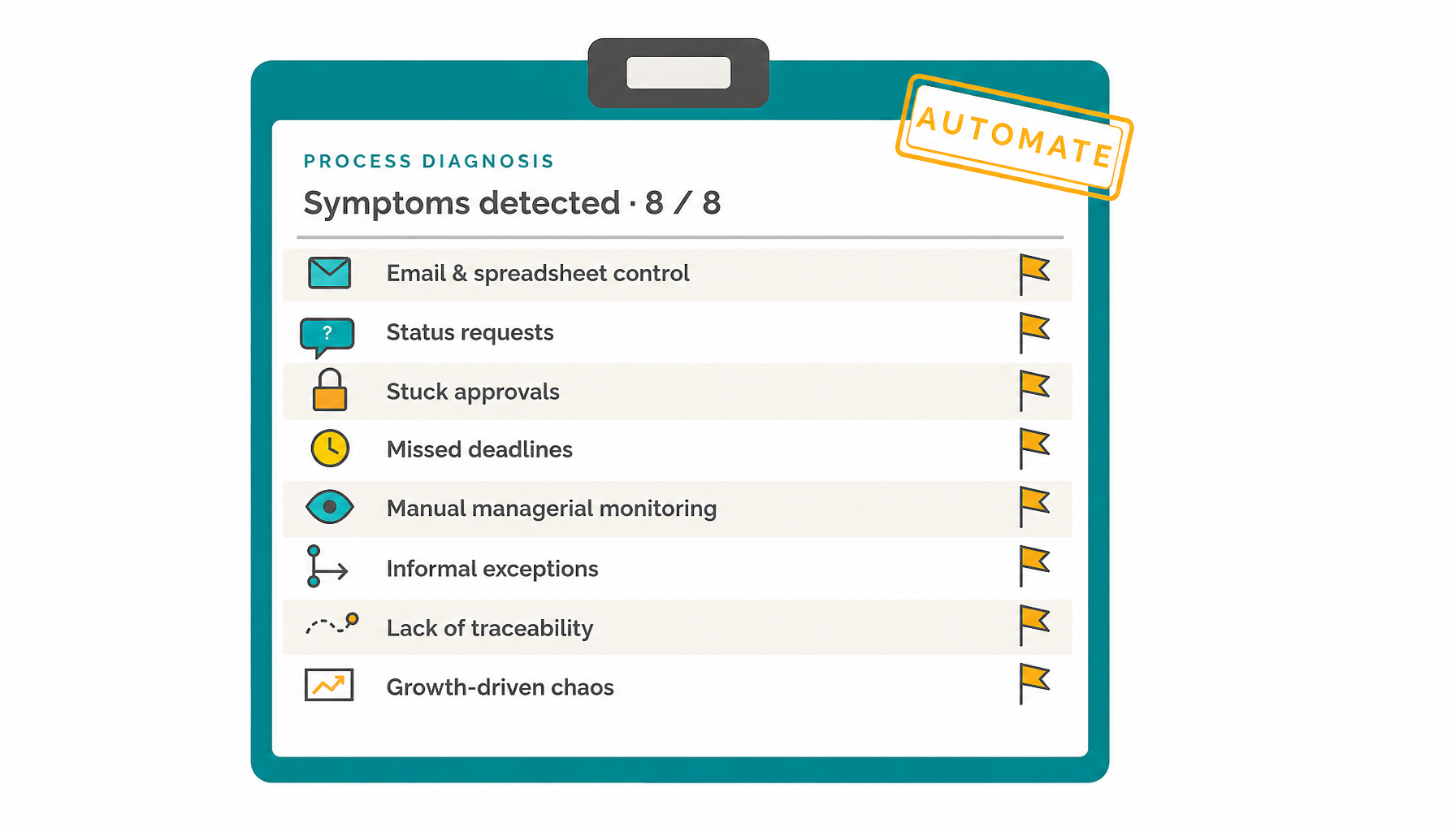
Many teams still control processes with email threads, spreadsheet trackers, manual reminders, and status meetings. It works for a while, until requests increase, approvals get stuck, deadlines are missed, and nobody has a reliable view of what is happening.
HEFLO helps replace manual coordination with controlled workflows, deadline visibility, traceability, and operational data.
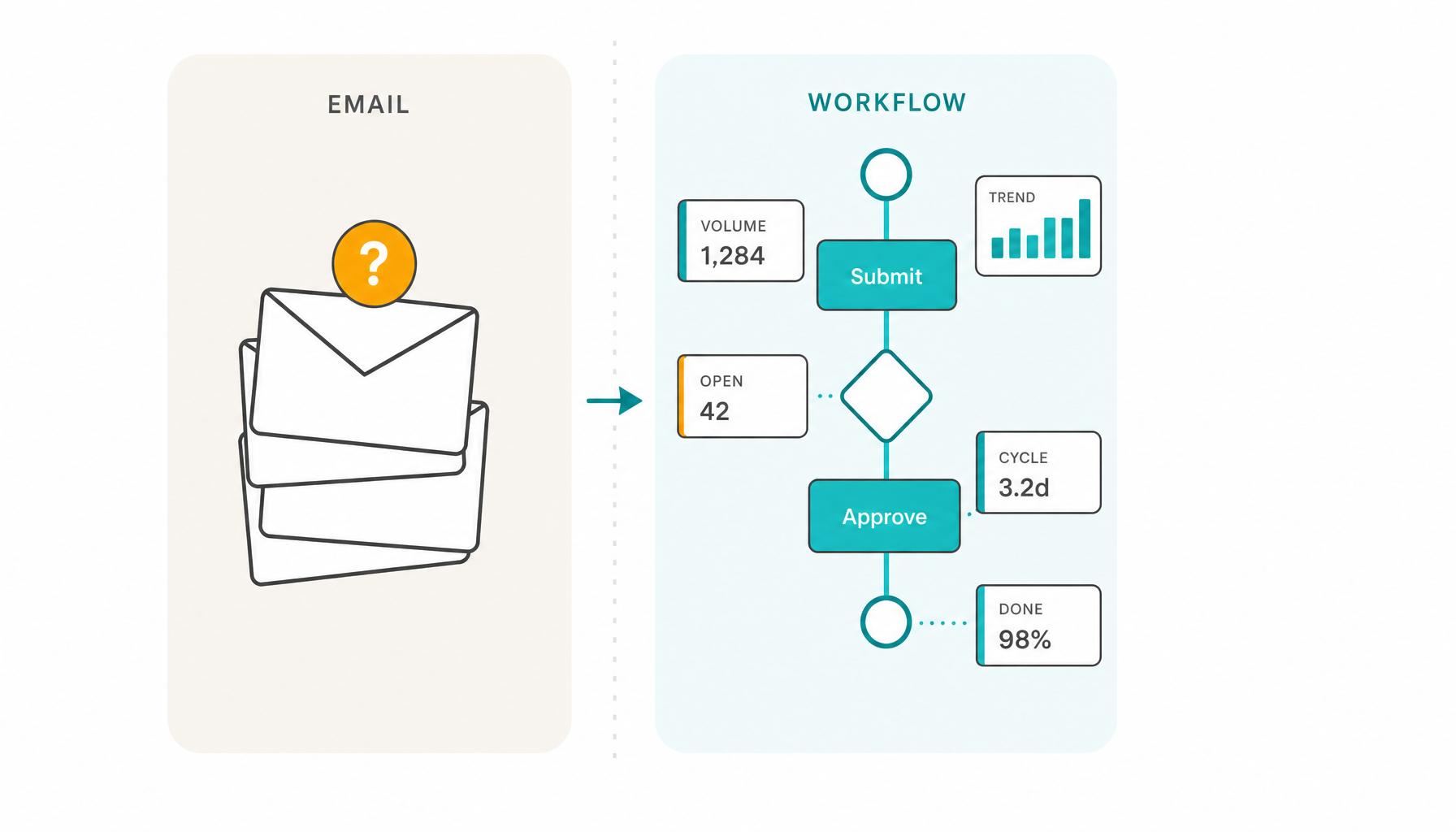

Spreadsheets can track work. They cannot control the flow.
Spreadsheets and email are useful for communication, analysis, and lightweight tracking. They become fragile when they are expected to assign responsibilities, route tasks, apply business rules, monitor deadlines, escalate delays, manage exceptions, preserve process history, and show real-time status across teams.
When the spreadsheet becomes the process control system, managers become the workflow engine.
A controlled process needs a workflow that knows who should act, what should happen next, which rules apply, when each step should be completed, when alerts should be triggered, and what operational data should be generated.
Where email and spreadsheet-based processes start to fail
What process control requires

Work moves automatically to the right person or team.

Each step has an accountable role or responsible user.

Decisions follow defined conditions, not informal interpretation.

The process knows when work is normal, at risk, critical, or overdue.

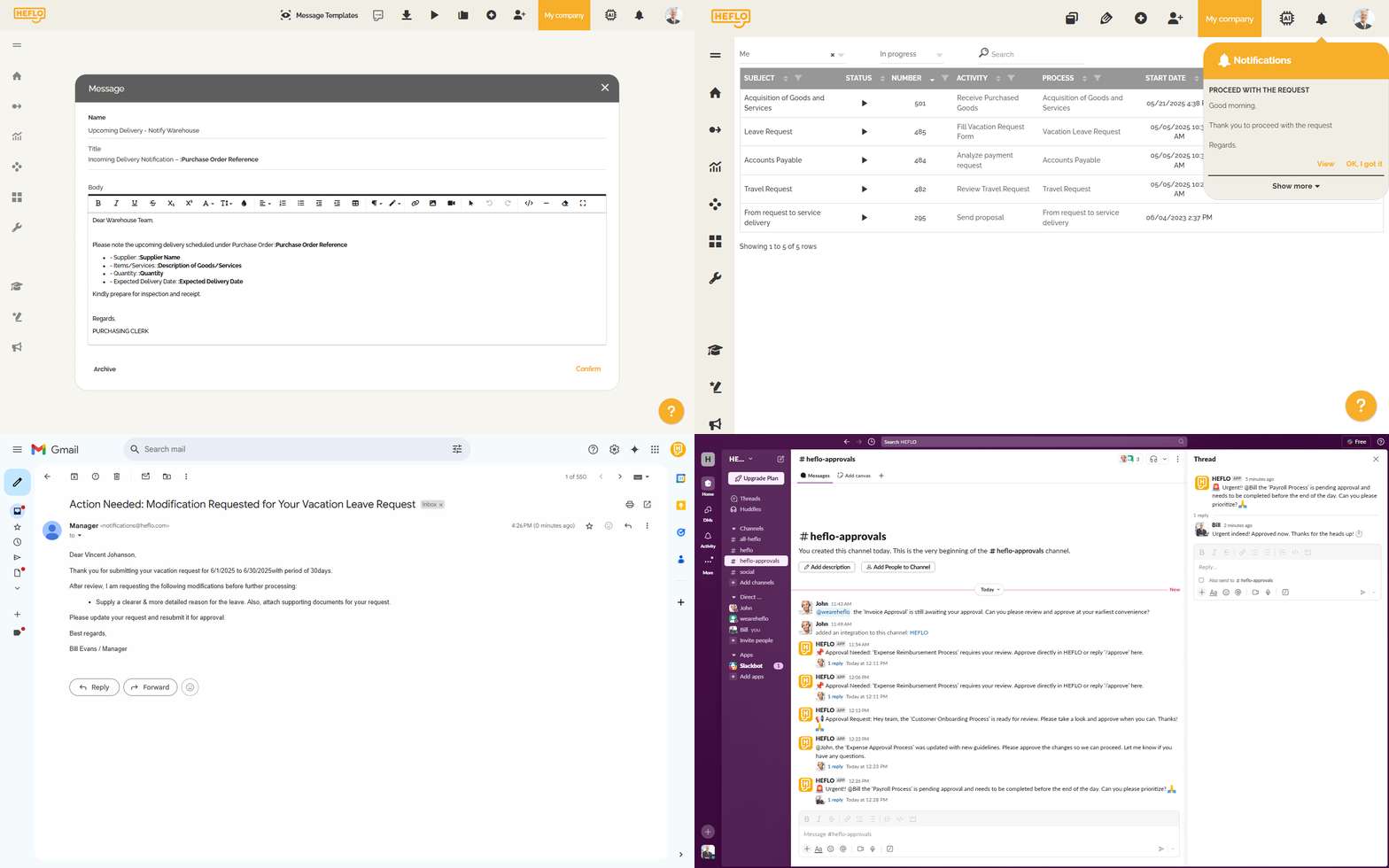
Delays and blocked work trigger action automatically.

Non-standard cases follow controlled paths.

Managers see where cases are and where bottlenecks appear.

The process preserves who acted, when, and why.

Execution generates measurable information about volumes, cycle time, delays, and outcomes.
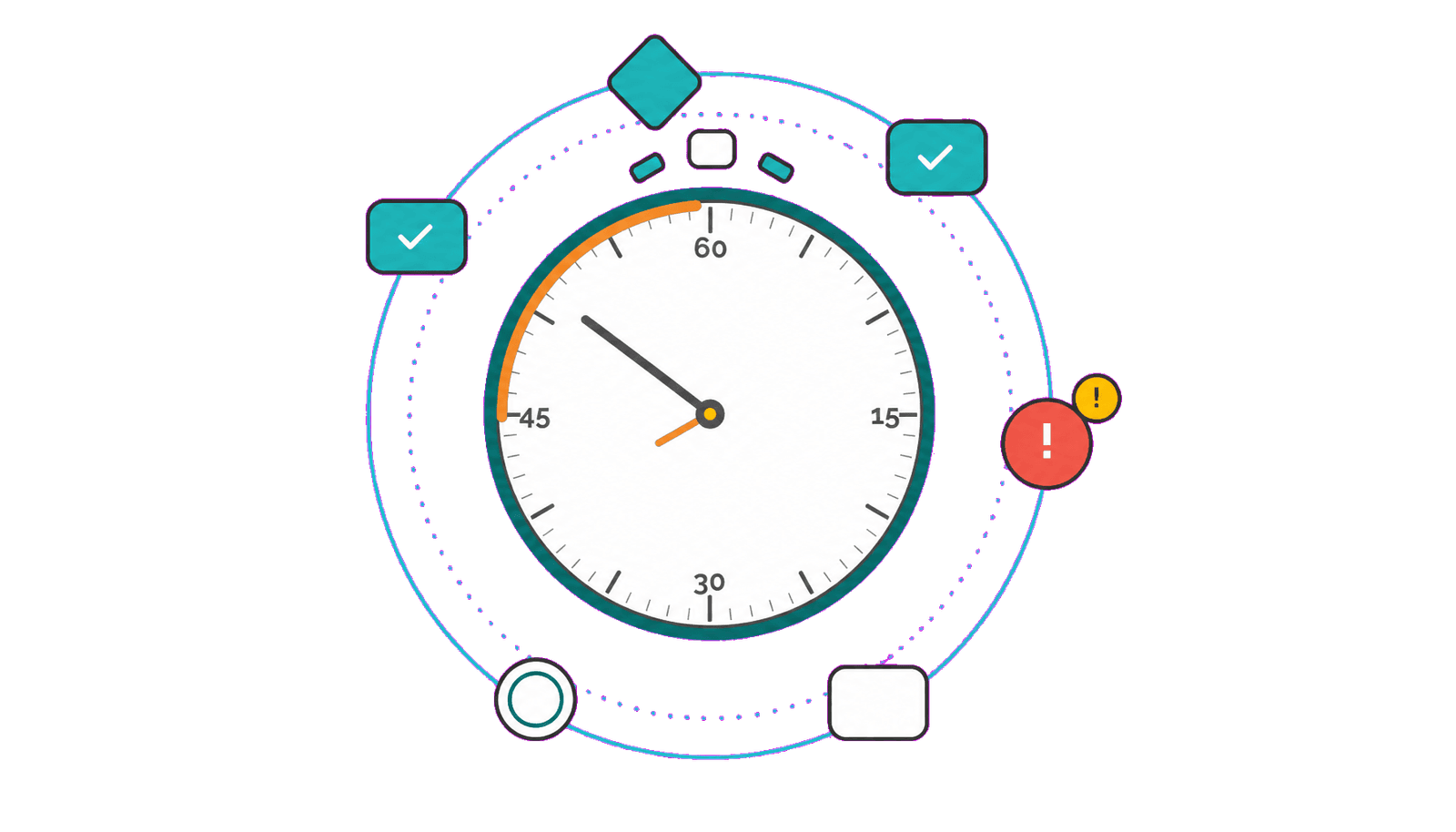
Deadline control is not bureaucracy. It protects the final commitment.
Spreadsheet and email-based control often tracks the final due date, but not the steps that make that deadline possible. By the time a delay is visible, one approval, review, or handoff may already have consumed too much time.
A process-driven workflow controls both levels: the overall process deadline and the deadline for each task. Step-level alerts and escalation rules help teams act while there is still time to protect the final commitment.
The goal is not to make the process more bureaucratic. The goal is to make the process predictable enough that people can act before delays become customer-facing problems.
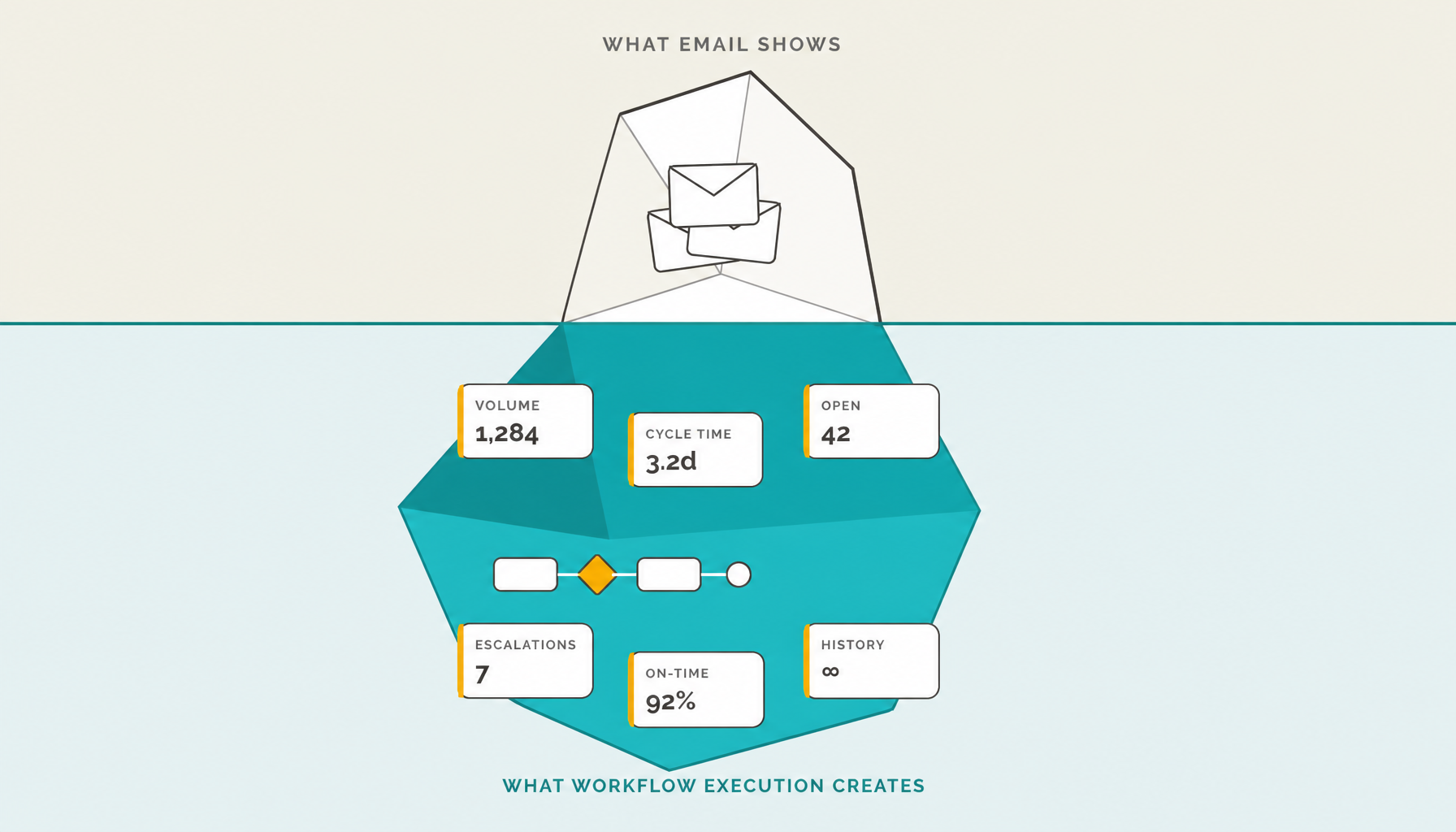
Email hides operational data. Workflow execution creates it.
Email can move work, but it does not naturally create structured operational data. Teams may know people are busy, but still struggle to measure volume, open cases, cycle time, delays, approvals, and bottlenecks.
When work runs through a structured workflow, each case creates records with status changes, responsibilities, timestamps, decisions, and outcomes.
The process does not only move work forward. It also creates the data needed to manage and improve the operation.
Stop making managers act as the workflow engine.
Model the process before executing it
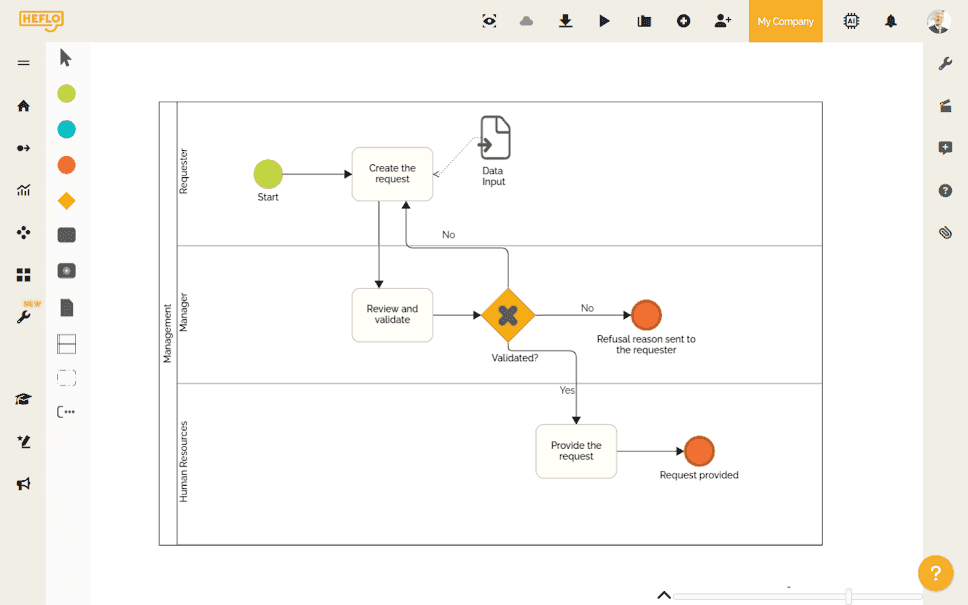
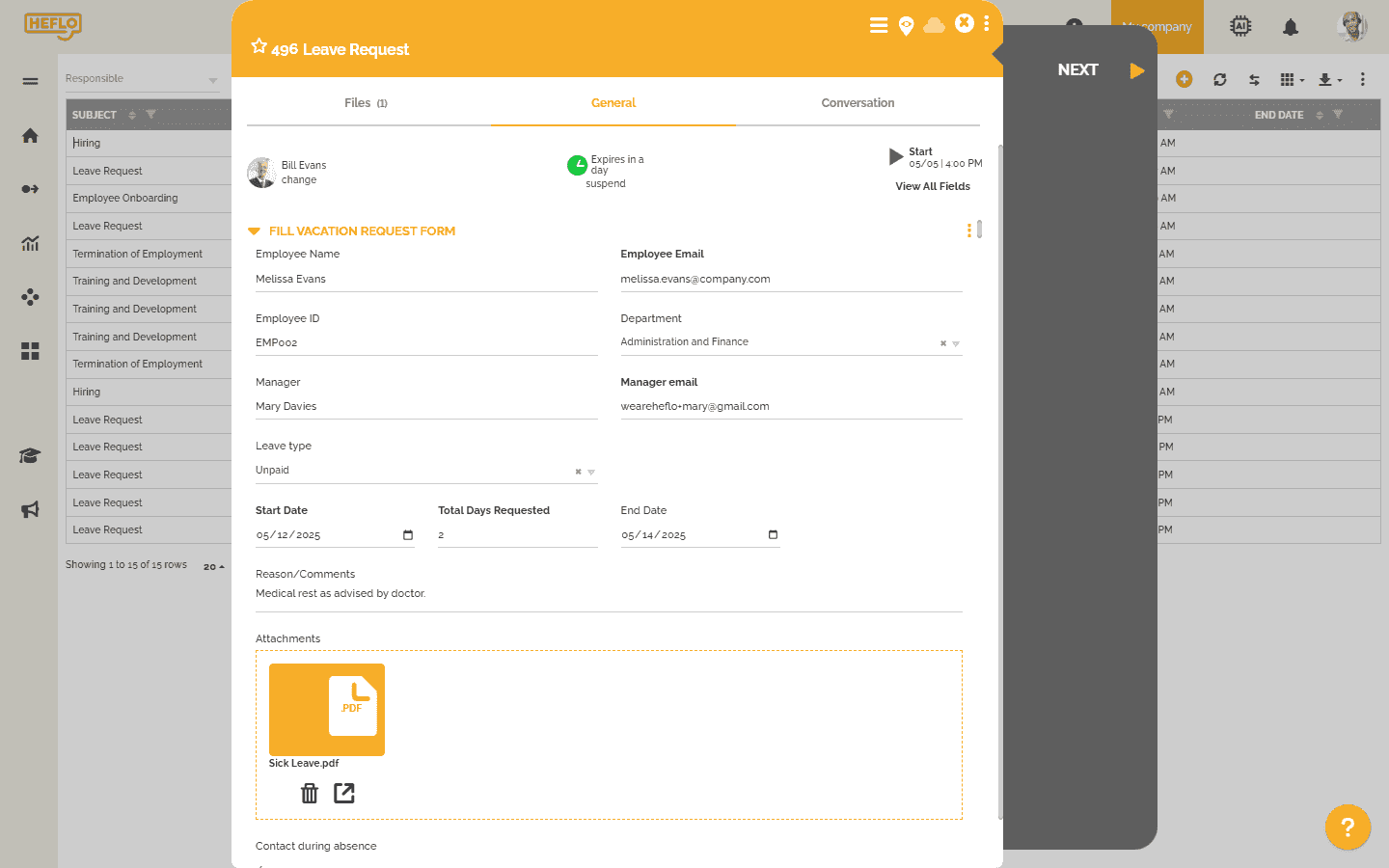
Turn the model into an executable workflow
Replace email approvals with structured approval flows
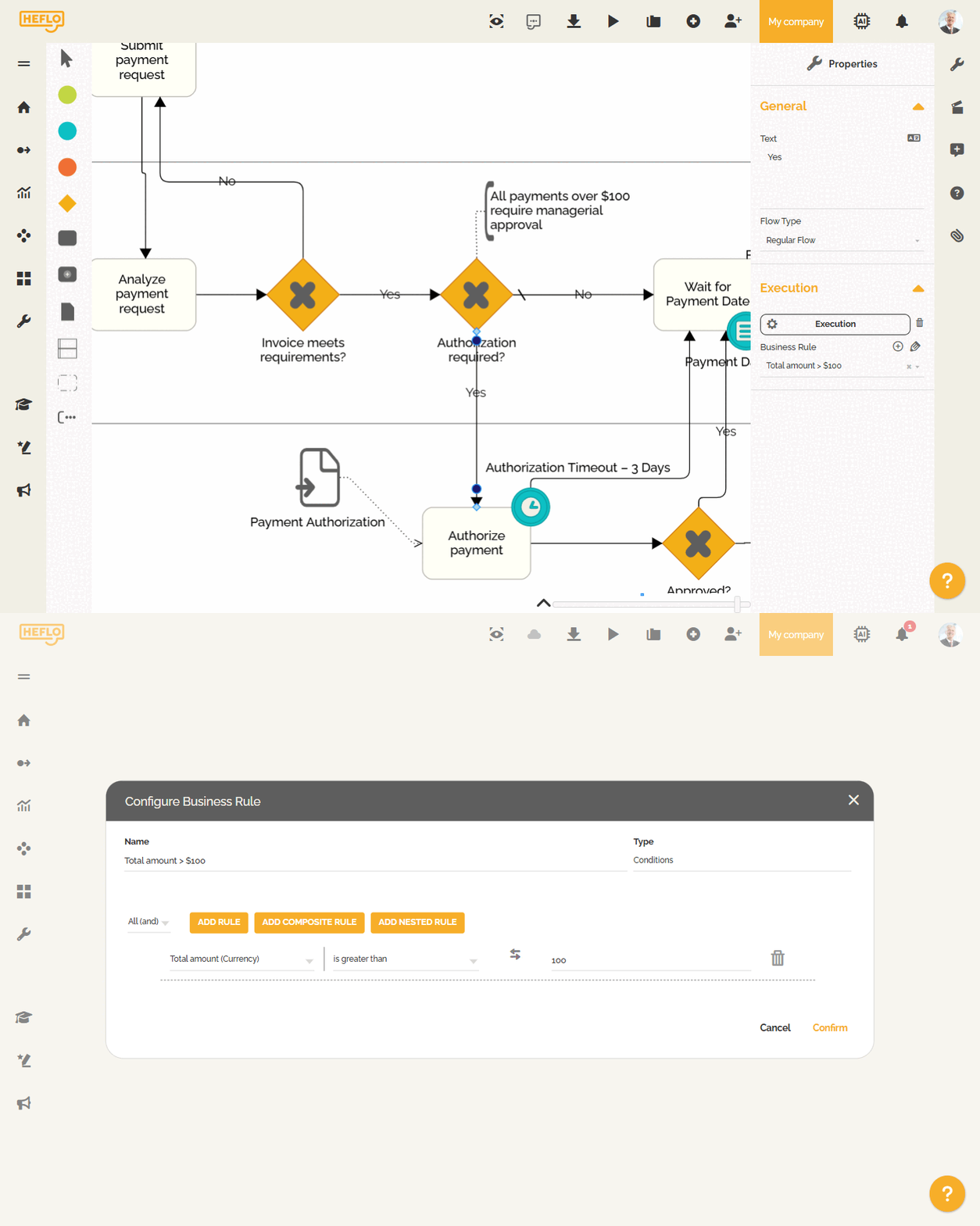
Control both process deadlines and task deadlines
Alert and escalate by exception
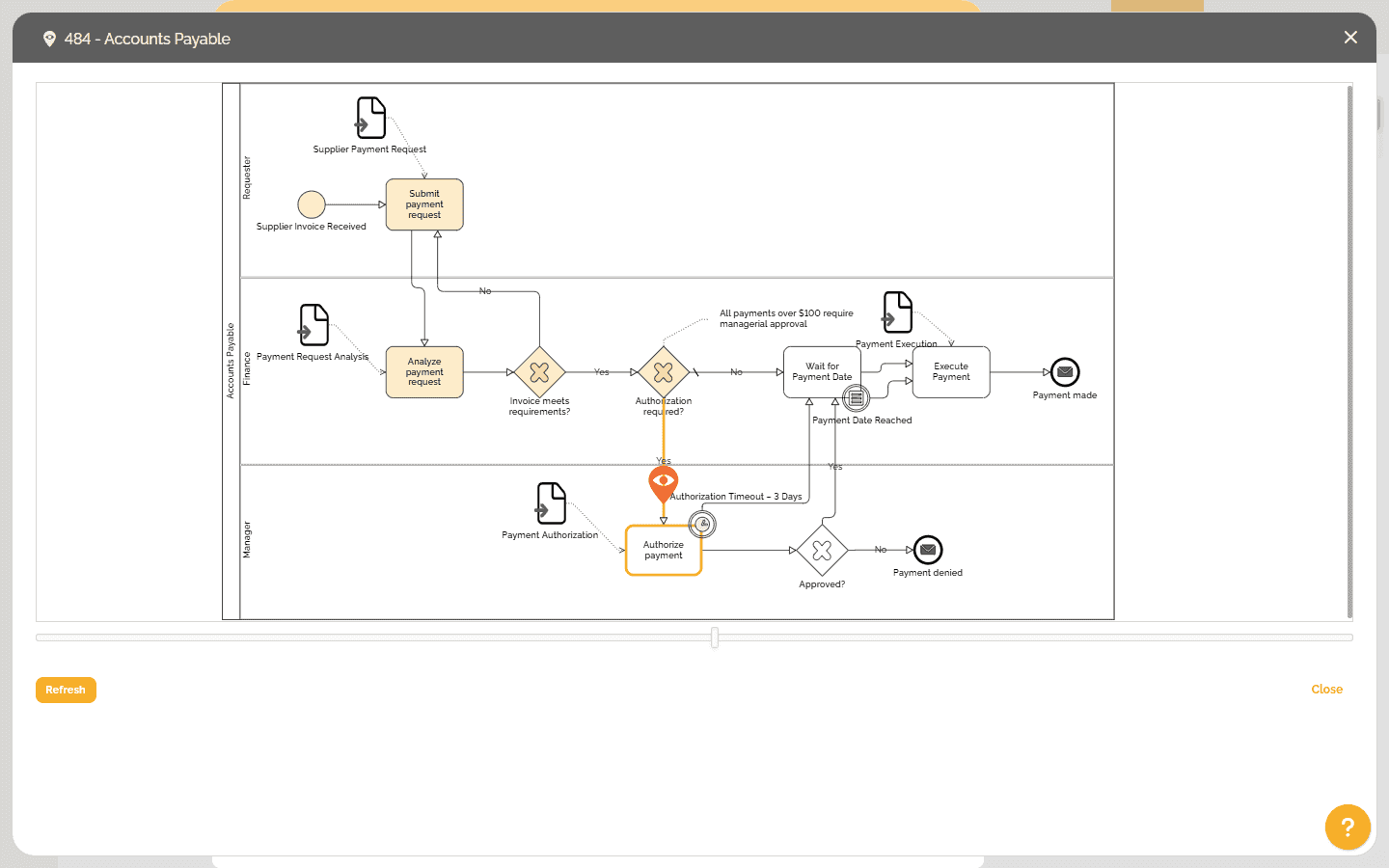
Give managers visibility and traceability
Generate operational data from execution